Technical wiki for creators and addon developers.
Replay editor
Open a replay, navigate the editor and understand the main windows.
Free downloadAll Rights ReservedNeoForge 1.21.1
01
From replay to cinematic set
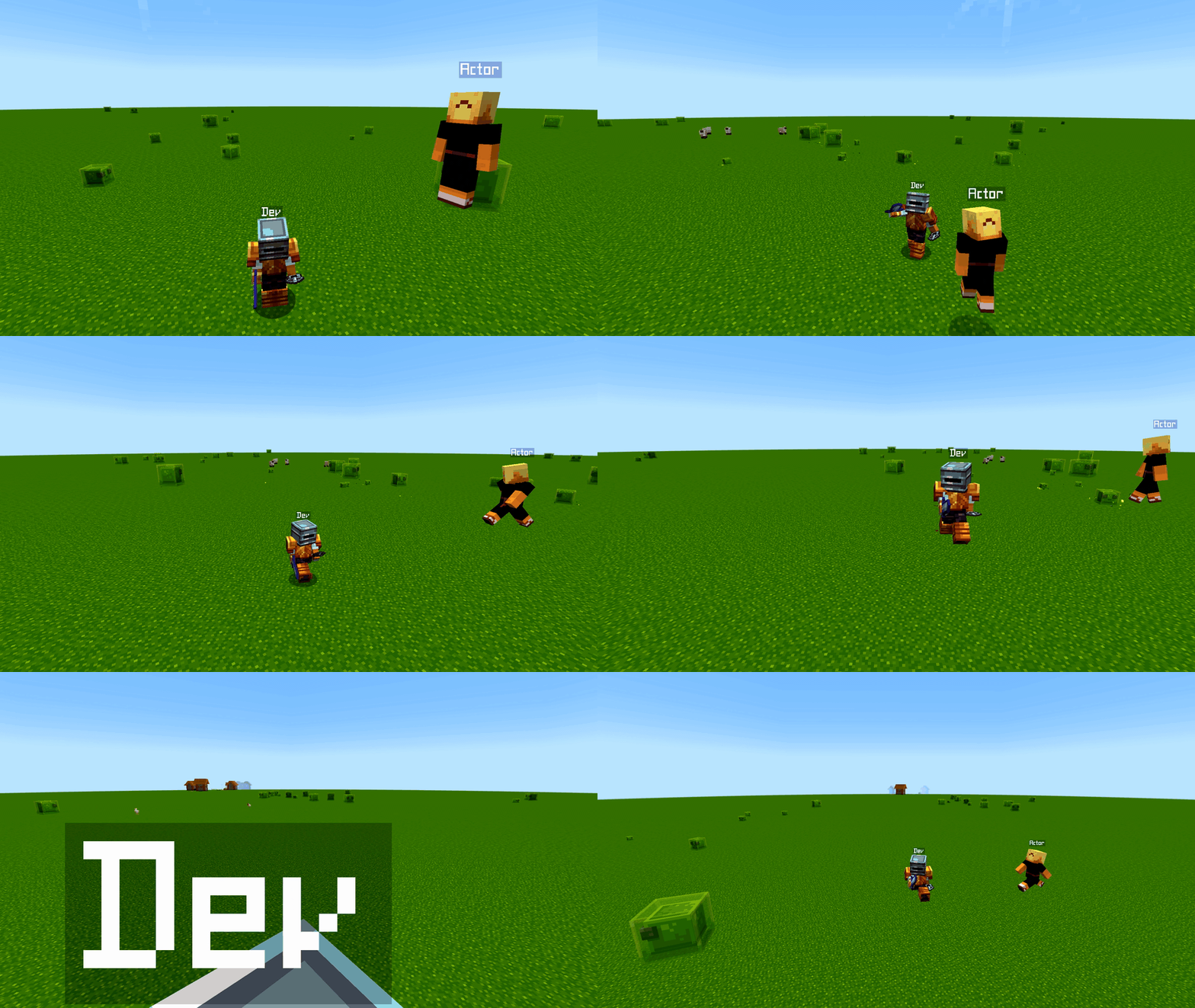
Opening a replay reconstructs the recorded world in a separate editing session. From there you can move the camera, set keyframes, filter entities, add actors, change visuals and prepare export.
The editor uses movable windows. Open only what you need and keep the workspace practical.
02
Main windows
| Window | Function |
|---|---|
| Player List | Find recorded players and entities. |
| Movement | Tune editor and camera movement. |
| Render Filter | Hide or show entities and particles. |
| Dialogue | Manage captions/dialogue for narrative content. |
| Cinematic Project | Organize scenes, shots, takes and review. |
| Curve Editor | Edit camera curves and keyed values. |
| Cinematic Metrics | Analyze speed, distance, FOV and smoothness. |
| Actors | Create and animate actor puppets. |
| Capture Hub | Manage recorded clips and sessions. |
03
Studio modes
- Simple shows a guided workflow and hides diagnostic windows.
- Director exposes camera, project and actors without overwhelming the layout.
- Pro exposes everything for debugging and advanced export work.