Technical wiki for creators and addon developers.
Camera Director and curves
Cinematic camera, rig, focus, FOV, keyframes, Curve Editor and metrics.
Free downloadAll Rights ReservedNeoForge 1.21.1
01
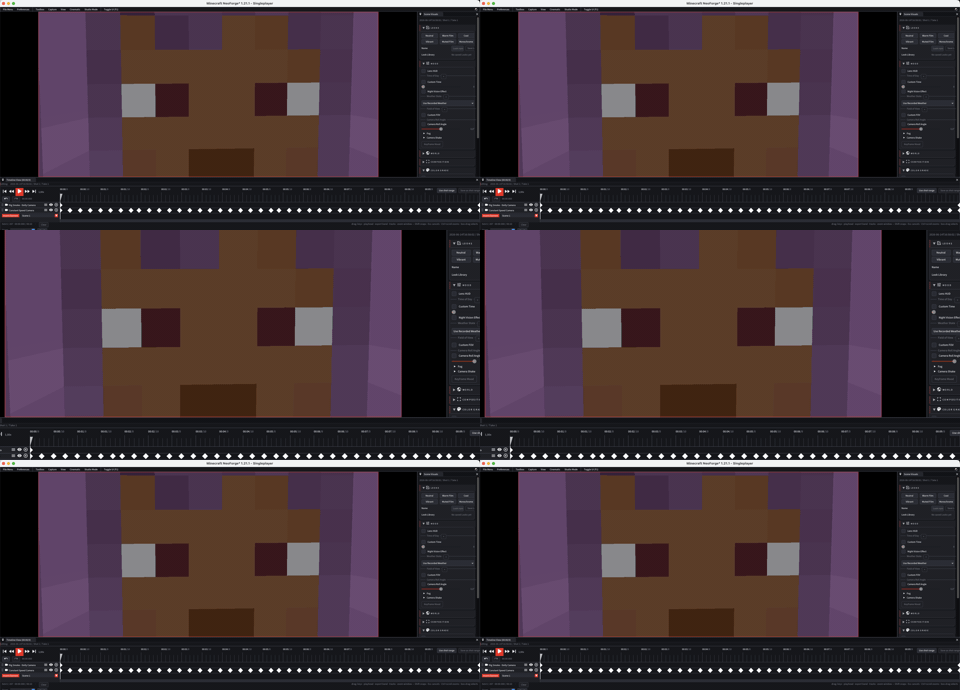
Cinematic camera
Flash Replay separates recorded gameplay from the final camera. You can record the scene once and direct it later like a set.
Camera animation uses position, rotation, FOV and interpolation. Curves define how those values move through time.
02
Recommended workflow
- Open the replay and find the useful moment.
- Set the export range.
- Create primary camera keyframes: entry, middle, exit.
- Adjust FOV and focus when a subject needs emphasis.
- Open Curve Editor to clean speed, easing and transitions.
- Check Cinematic Metrics before final export.
03
Curve Editor
Drag points to edit. Shift+Click empty space adds a keyframe. Delete removes the selected point. Arrow keys nudge values, Ctrl makes larger nudges, scroll zooms and double-click fits the view.
04
Cinematic Metrics
- Shows camera speed, distance and motion information.
- Helps detect shots that are too fast, irregular or hard to read.
- Use it before final export, especially for long or vertical clips.