Technical wiki for creators and addon developers.
Flash Replay technical manual
Operational wiki for recording, replay editing, camera work, actors, export, files, settings and permitted addons.
Supported loader, mods folder, first launch checks and the minimum setup before recording.
Recording RecordingHow gameplay capture works, Normal/Rolling/Hybrid modes, event markers and server recording policy.
Save Last Save Last, Highlight and markersSave recent moments, create highlights and mark important ticks during gameplay.
Capture Hub Capture HubThe control center for clips, sessions, environment checks and recorded material.
Replay editor Replay editorOpen a replay, navigate the editor and understand the main windows.
Timeline Timeline and export rangeTransport, keyframes, tracks, I/O range, zoom and the segment that gets rendered.
Camera Camera Director and curvesCinematic camera, rig, focus, FOV, keyframes, Curve Editor and metrics.
Actor Studio Actor StudioActors, puppets, identity, equipment, pose, performance clips, animation library and crowd placement.
Visuals Visuals, Render Filter, Movement and DialogueScene-cleanup and visual-control tools before export.
Export Video, GIF, PNG and vertical exportStart Export, codecs, CRF/bitrate, audio, transparency, SSAA, profiles and output.
Files and recovery Files, folders and recoveryWhere replays, clips, exports, animations and configuration live; how to think about recovery.
Settings Settings and keybindsFlashUI categories, important options, recommended keys and editor preferences.
Troubleshooting Technical troubleshootingCommon problems, likely causes and concrete checks before support.
Permitted addons Permitted addons and developer guidelinesWhat you may build around Flash Replay, what is not allowed and how to publish compatible addons without breaking license or stability.
How to use this wiki
Each page explains a real mod area: what it does, when to use it, exact workflow, related settings and common mistakes.
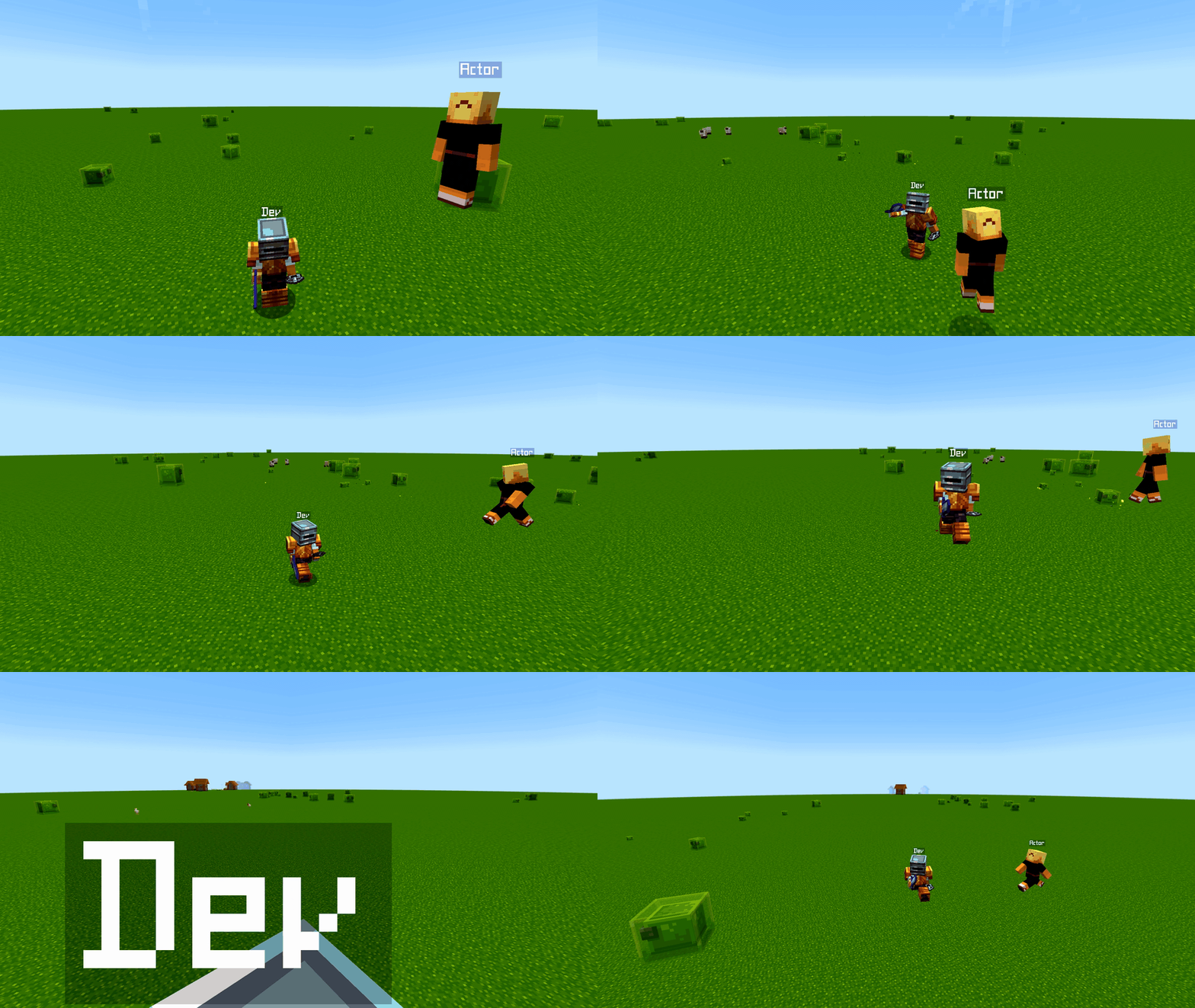
The GIFs come from real runtime screenshots or real exports from the mod. They are not fake UI captures.
- For quick clips, start with
RecordingandSave Last. - For cinematic videos, read
Replay editor,Timeline,CameraandExport. - For extensions or compatibility projects, read
Permitted addonsbefore publishing.