Technical wiki for creators and addon developers.
Capture Hub
The control center for clips, sessions, environment checks and recorded material.
Free downloadAll Rights ReservedNeoForge 1.21.1
01
Purpose
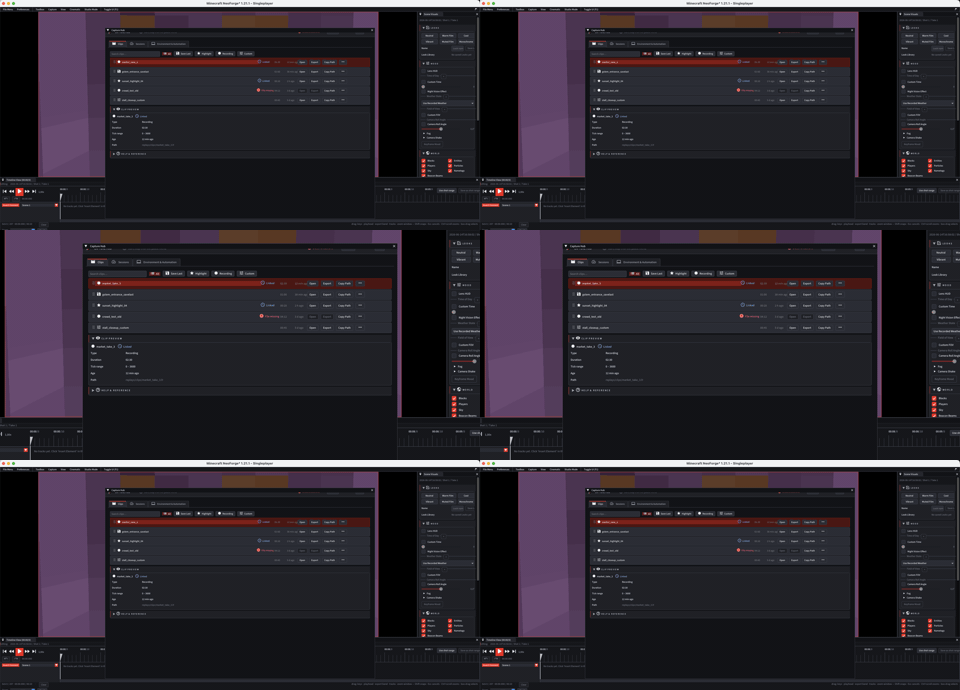
Capture Hub collects saved clips, recording sessions and capture status. Open it when you want to move from recorded gameplay into material you can edit or export.
Older clip browser, session and preflight windows are centralized here.
02
Operational tabs
| Area | Use |
|---|---|
| Clips | Review clips, order them, search, promote and open export paths. |
| Sessions | Check active or completed sessions, status and errors. |
| Environment | Check recording conditions, compatibility and pack context. |
03
Manual ordering
Clips can keep a persistent manual order. Unordered clips remain visible by recency, while arranged clips follow your creator order.
04
When to use it
- After Save Last or Highlight.
- After a long recording to pick useful takes.
- Before opening a replay in the editor.
- After a write or export error to inspect context.