Technical wiki for creators and addon developers.
Installation and requirements
Supported loader, mods folder, first launch checks and the minimum setup before recording.
Free downloadAll Rights ReservedNeoForge 1.21.1
01
Current requirements
Flash Replay is a client-side Minecraft NeoForge 1.21.1 mod. The public build is installed on the creator client and does not require the server to install the same mod.
Use the NeoForge version stated on the official project page. If a download page lists a newer minimum, follow that page.
| Item | Operational value |
|---|---|
| Minecraft | 1.21.1 in the current build |
| Loader | NeoForge |
| Mod type | Client-side |
| License | Free download, All Rights Reserved |
| Source redistribution | Not included in the public distribution |
02
Install
- Download the
.jarfrom the official CurseForge or Modrinth page. - Close Minecraft.
- Copy the
.jarinto the profilemodsfolder. - Start the game and check the Mods screen.
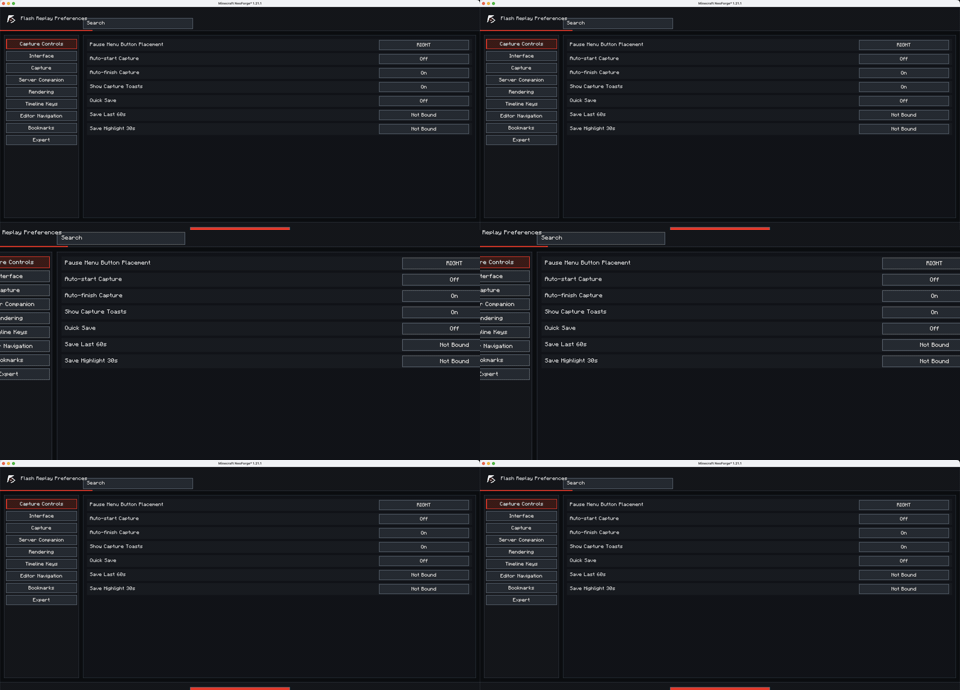
- Open the mod options and review
Recording Controls,Recording,InterfaceandExporting.
03
First launch checklist
- Bind start/finish recording, Save Last 60s, Highlight 30s and markers if you plan to use them.
- Choose a studio mode: Simple for fast work, Director for camera and actors, Pro for full control.
- Verify the export folder before running a long render.