# Flash Replay
**Record anything. Then direct it like a film.** Flash Replay is a client-side replay recorder and cinematic studio for Minecraft creators on **NeoForge 1.21.1**.
It is built for YouTubers, montage editors, server creators, builders and anyone who has ever thought: *I wish I had recorded that.*
**Minecraft 1.21.1 - NeoForge 21.1.233+ - client-side - free download.**
## The short version
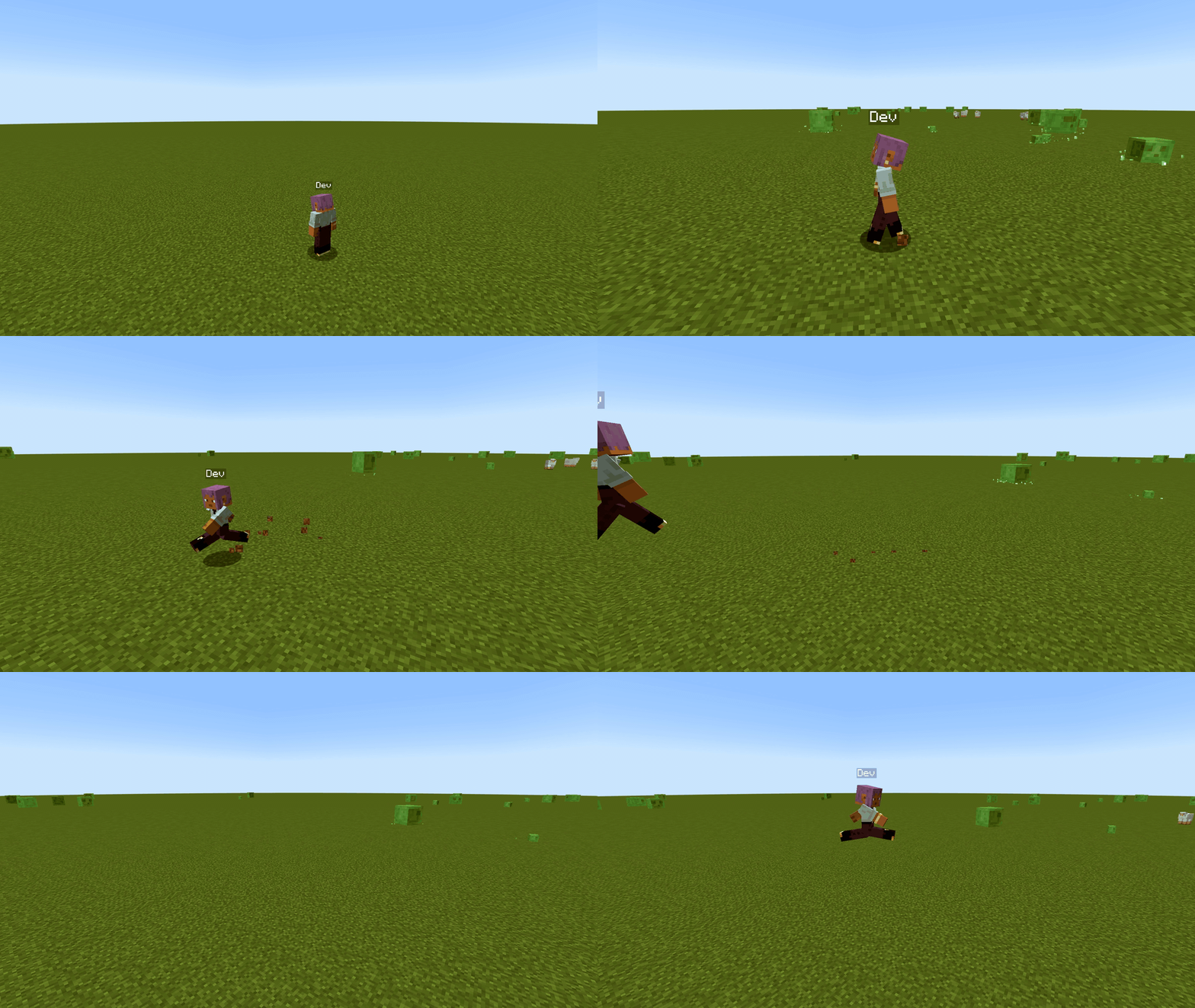
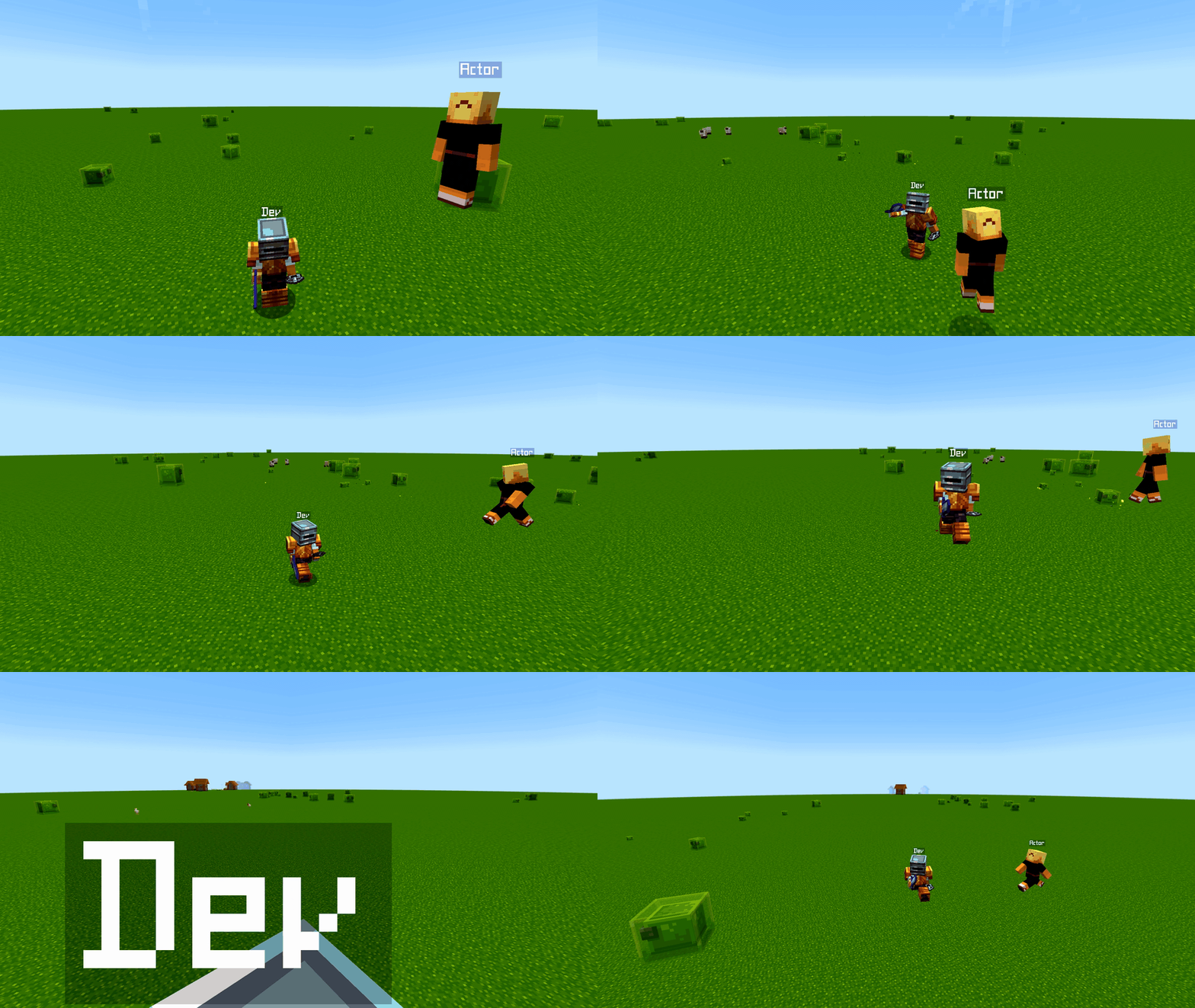

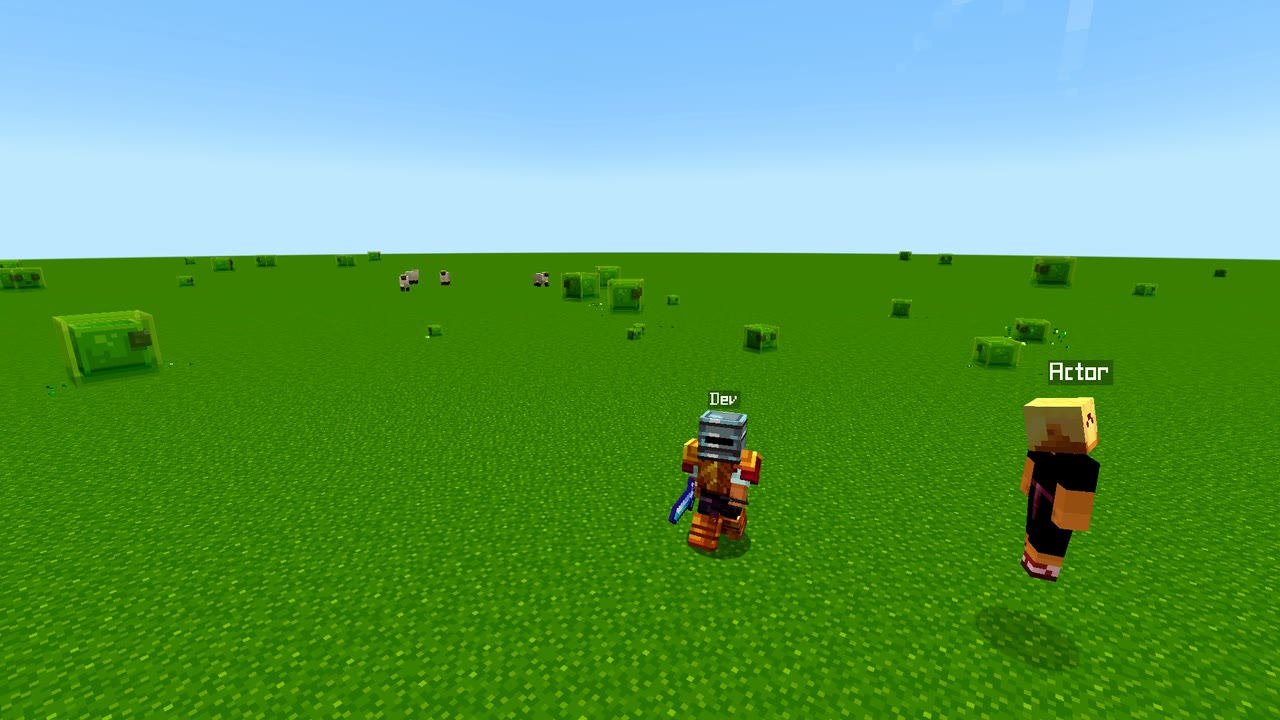
- **Capture:** record gameplay into replay clips and Save Last moments.
- **Director camera:** replay first, rebuild the camera move later.
- **Export:** render real MP4 and GIF clips for editing or posting.
---
## Set up recording in minutes
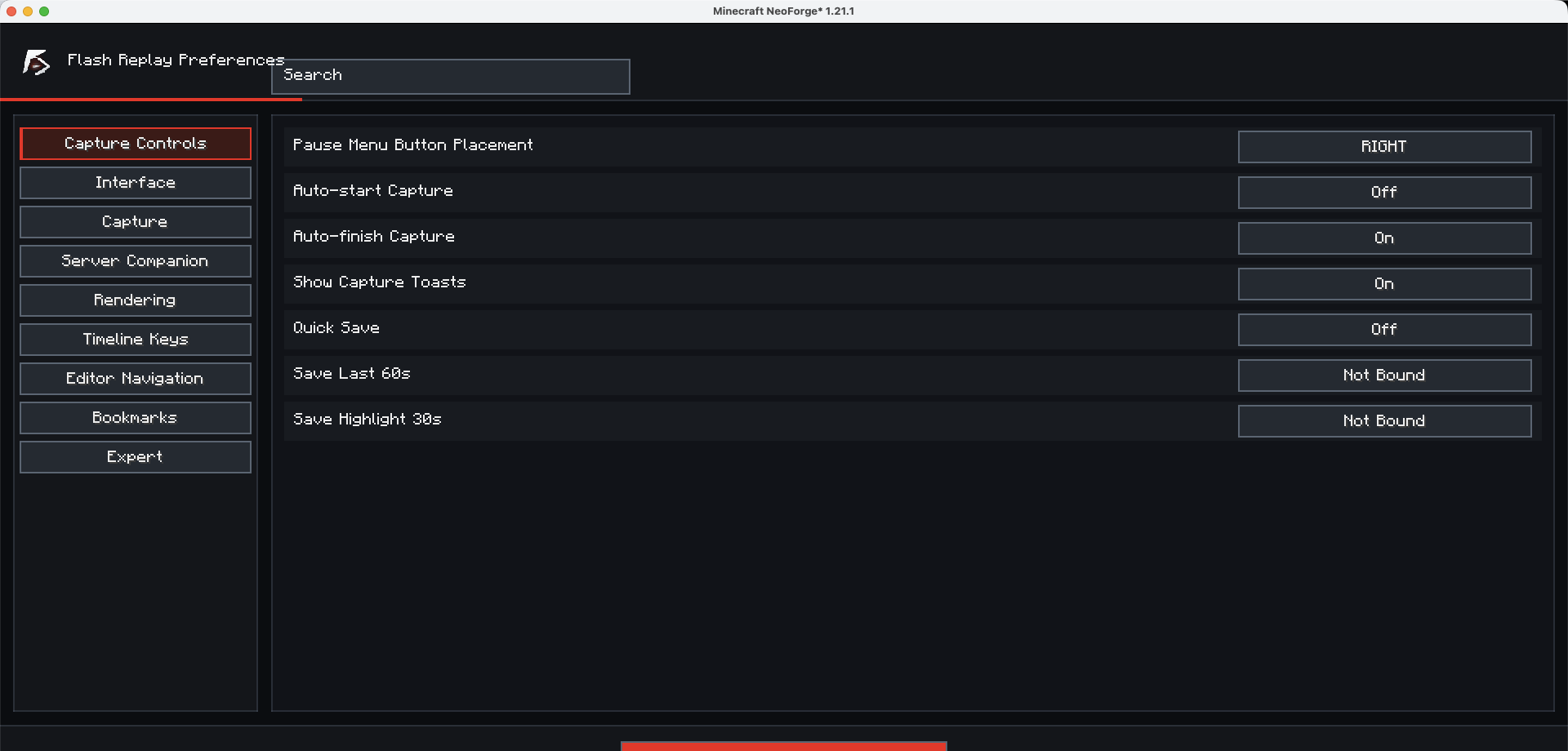
Flash Replay starts with clear client-side options, so new players can configure recording, Save Last, export and studio preferences before they need their first clip.
- Open Flash Replay Options from the client UI.
- Choose recording and Save Last behavior before playing.
- Keep the workflow friendly for first clips while advanced tools stay available later.
## Never miss the shot again
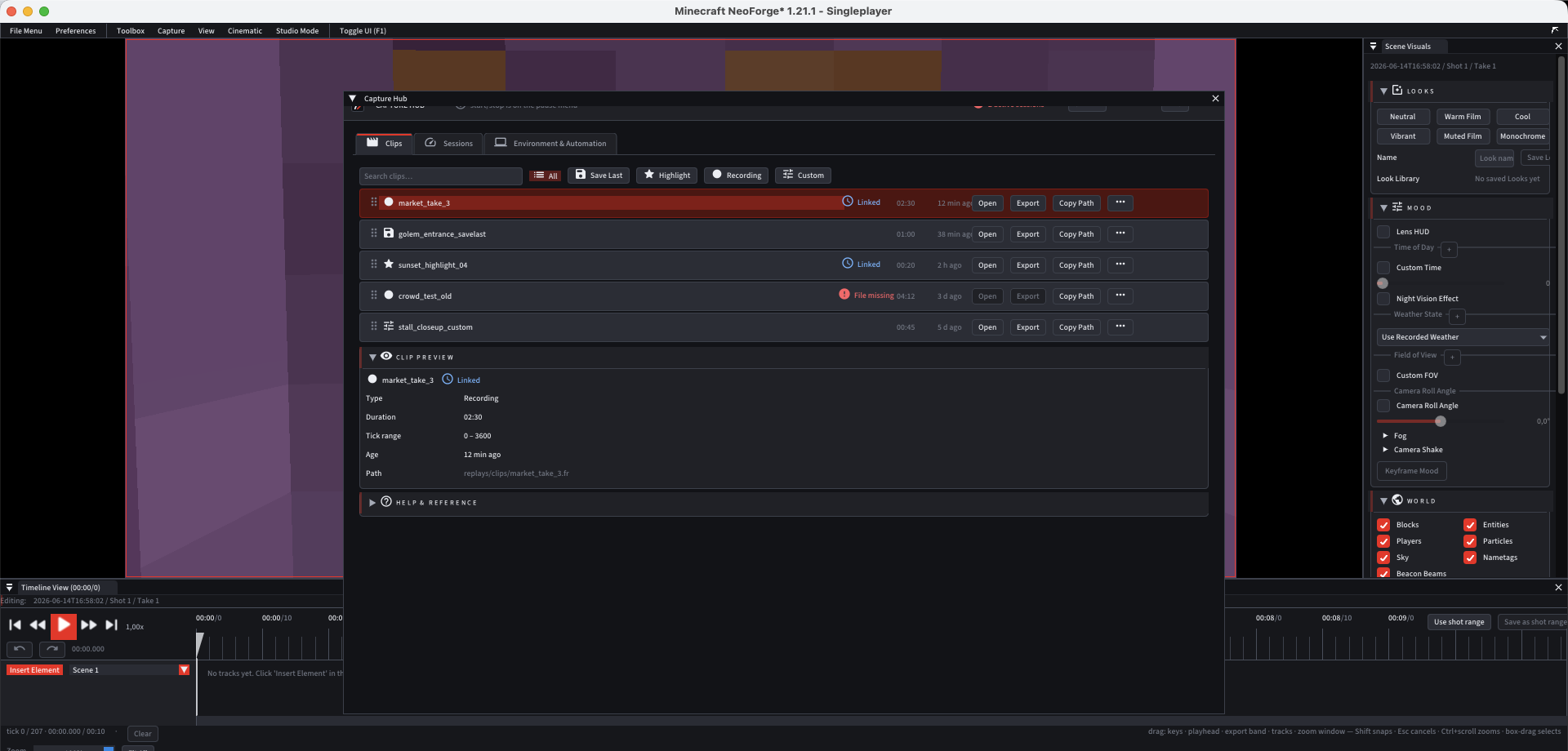
Flash Replay keeps a rolling replay buffer so your best moments do not disappear just because you forgot to start recording.
- Always-on replay capture while you play.
- Save Last for instant post-event clipping.
- Highlight triggers for deaths, combat, elytra flight and danger moments.
- Simple controls from the pause menu and options screen.
## Shoot it like a film
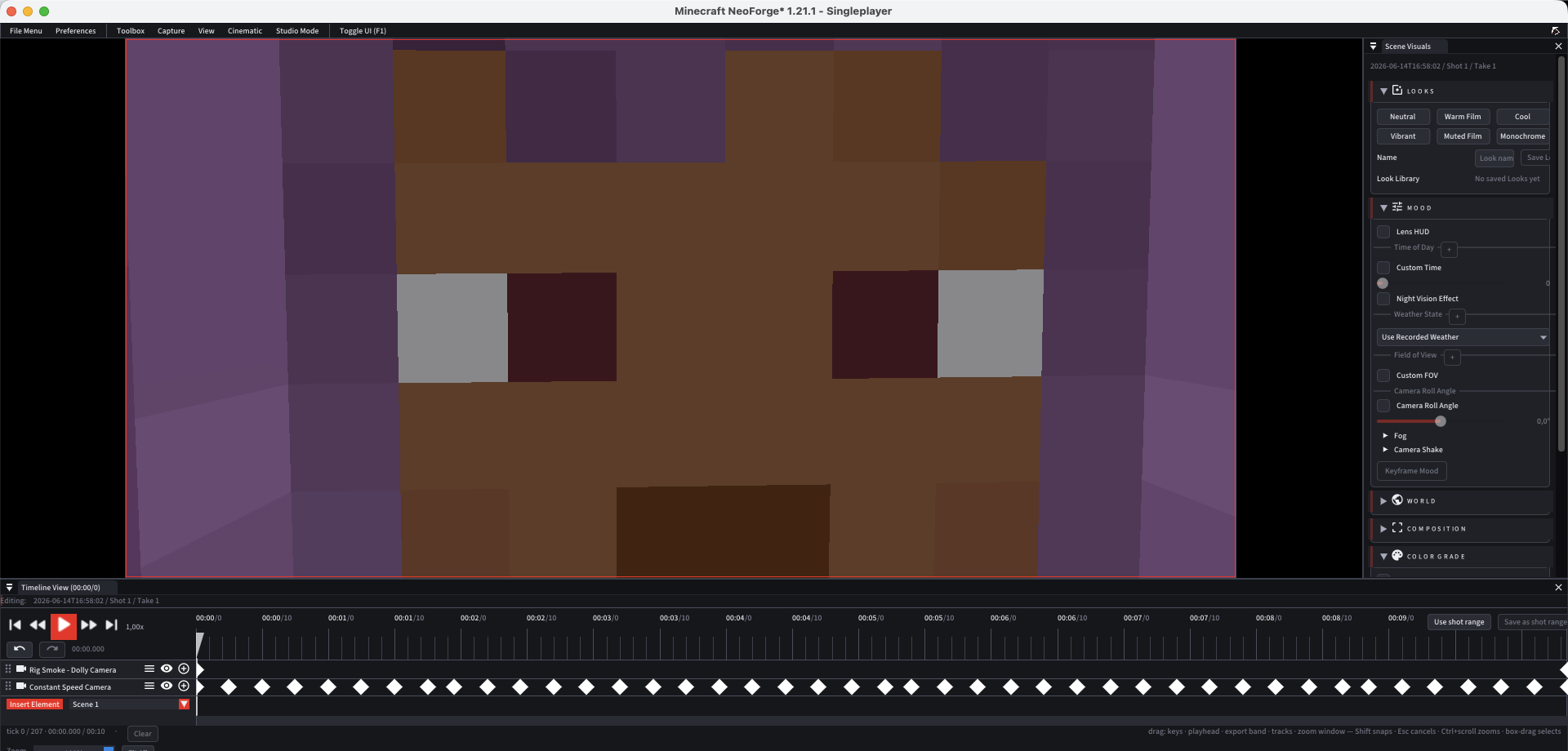
Plain screen recordings lock you to the camera you had while playing. Flash Replay lets you capture the moment first and direct it after.
- Camera rigs for dolly, push-in, crane, orbit, dolly zoom and constant-speed moves.
- Subject framing modes for clean action shots.
- Timeline keyframes with smooth interpolation curves.
- Project, scene, shot and take organization for bigger edits.
## Stage actors inside the replay
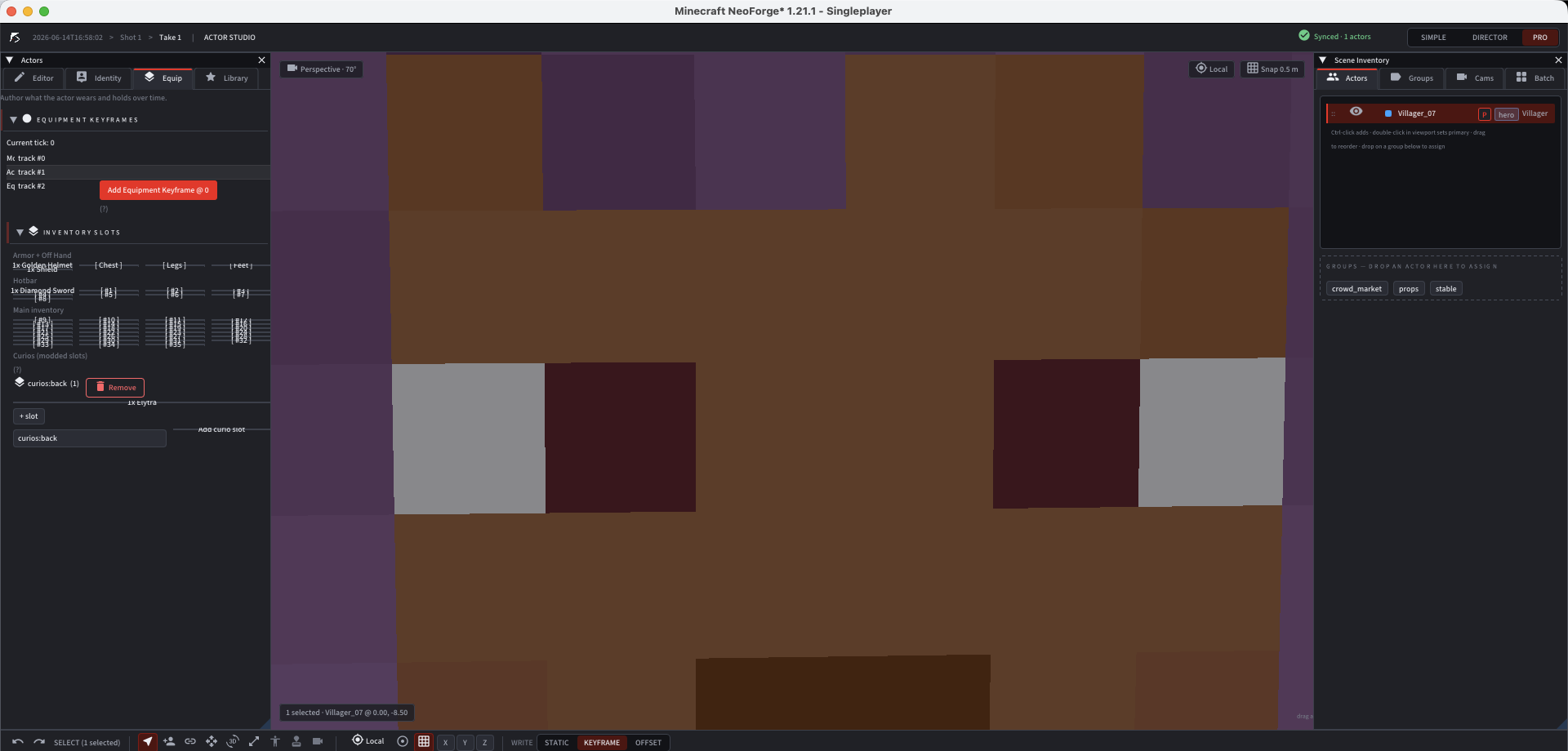
Turn replay entities into directable performers for thumbnails, machinima shots, fight scenes and cinematic storytelling.
- Pose actors bone-by-bone.
- Equip and group performers.
- Save performance clips and replay them on cue.
- Batch stills for character sheets and thumbnails.
## Build the look in the tool
Flash Replay is not only about recording. It is about making the final shot look intentional.
- Keyframe FOV, fog, time of day, weather and camera shake.
- Use speed changes, slow motion and freeze moments.
- Grade exposure, contrast, saturation, temperature and tint.
- Frame with rule-of-thirds, safe frame and letterbox guides.
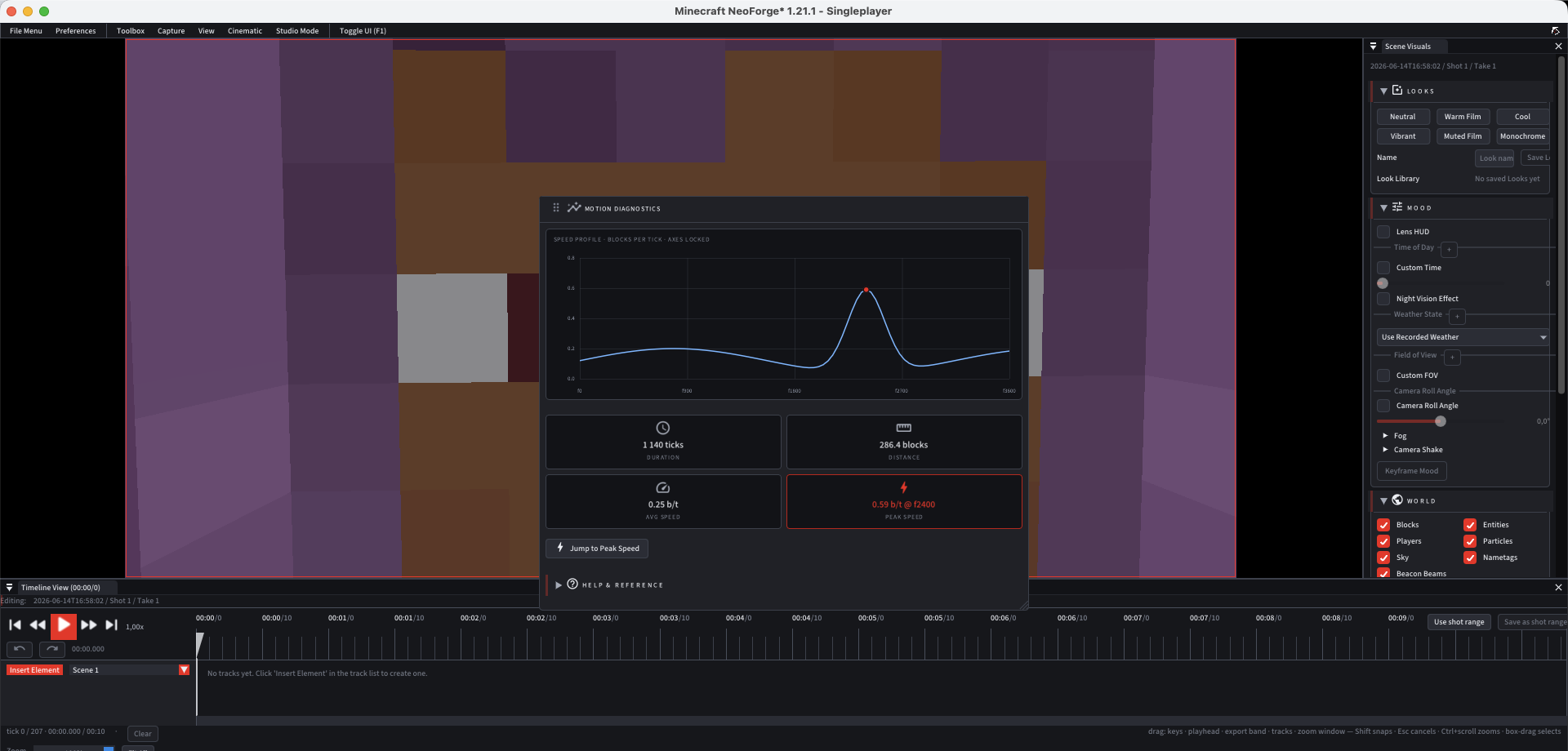
## Export clips ready to post
Render your replay into the formats creators and editors actually use.
- H.264, HEVC, ProRes and GIF workflows.
- PNG sequences, batch stills and single-frame screenshots.
- SSAA anti-aliasing and transparent-sky export options.
- Audio bus controls for game, voice and scene audio.
- Shader-friendly export workflows.
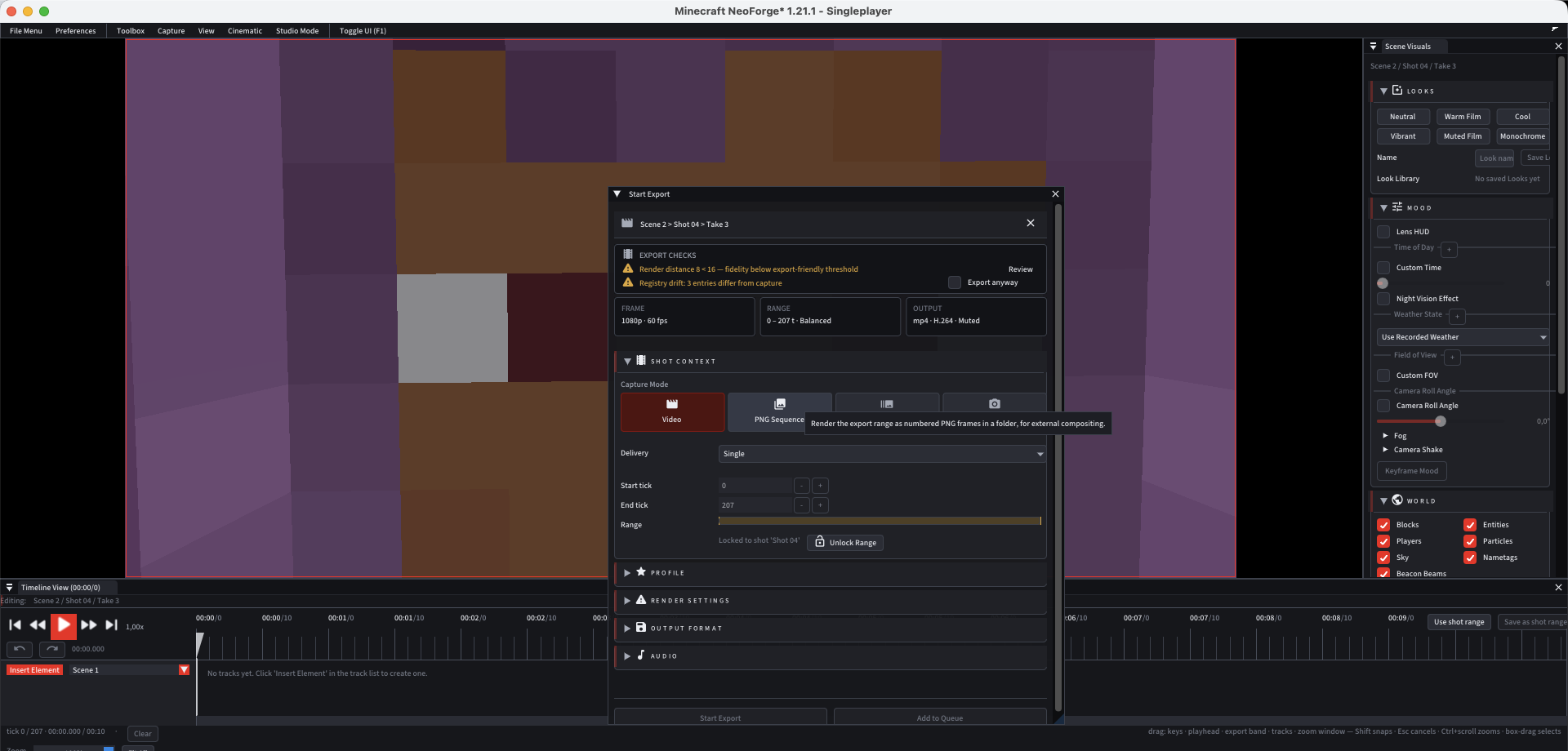
## Simple first, deep when needed
Flash Replay is designed to be useful in the first two minutes and still powerful when the edit gets serious.
- **Simple:** Save Last, quick replay, one-click export.
- **Director:** camera rigs, shots, keyframes and Looks.
- **Pro:** curves, actors, batch tools and full export settings.
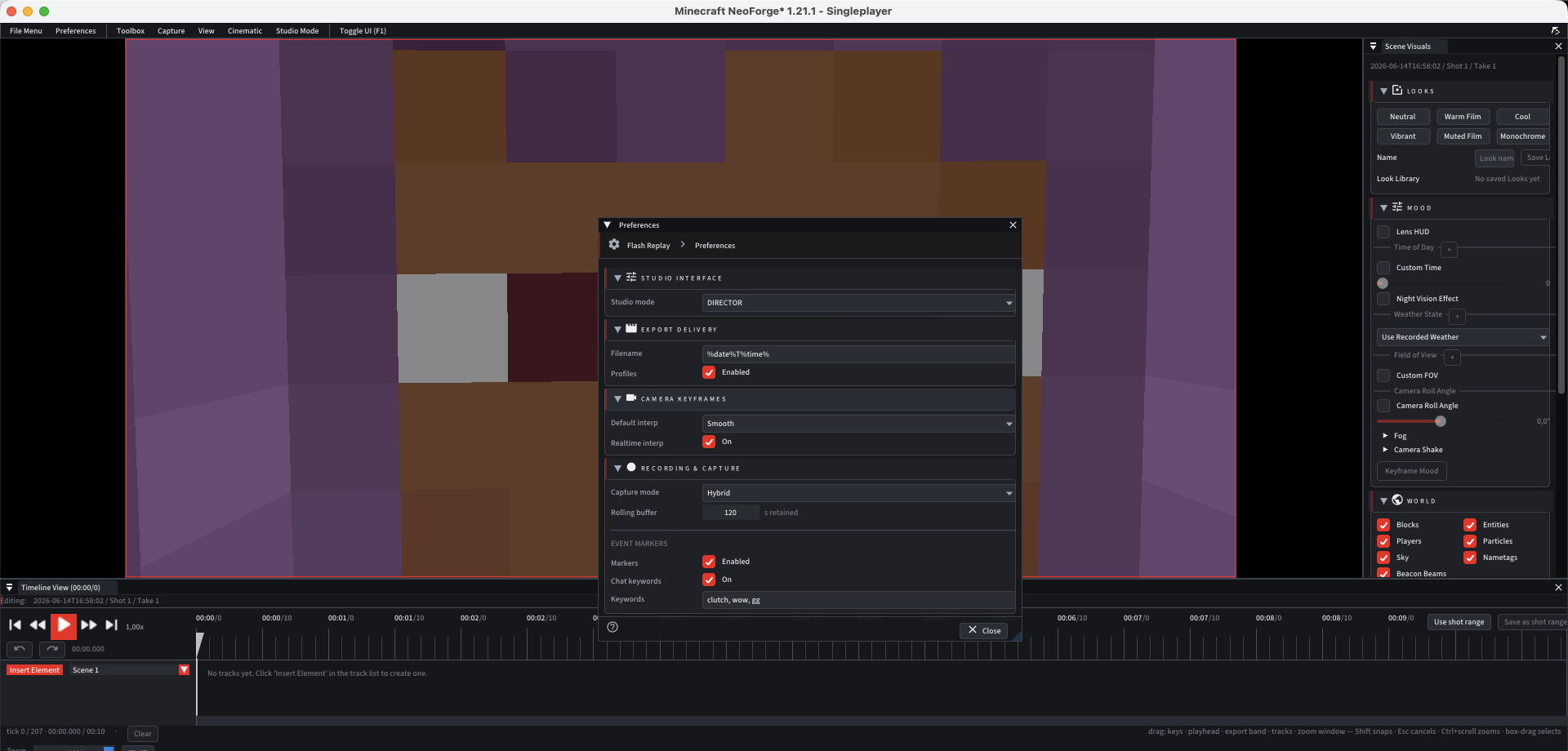
## Built for modded Minecraft creators
| Area | Why it matters |
|---|---|
| Shader workflows | Capture cinematic clips with the look you actually play with |
| Voice and multiplayer moments | Save social clips, server events and shared chaos |
| Large builds and far shots | Make base tours, reveals and establishing shots cleaner |
| Actor and combat scenes | Stage thumbnails, machinima scenes and repeatable fight beats |
| Legacy replay workflows | Keep older replay material useful while moving to a stronger tool |
## Download goals and update roadmap
Flash Replay grows in stages. These are community download milestones, not fixed dates; each step depends on testing, loader changes and Minecraft version stability.
| Downloads | Goal |
|---:|---|
| **1,000** | Quick-start polish: clearer install text, first-run prompts, default keybind suggestions and a beginner-friendly Save Last setup |
| **2,500** | Stability update for recording reliability, crash-safe recovery and cleaner replay session naming |
| **5,000** | Highlight tuning for combat, deaths, elytra moments, fire, explosions and server-event clipping |
| **10,000** | Export preset pack for YouTube, TikTok, Discord, GIF previews, transparent shots and high-quality archive renders |
| **25,000** | Director update with more camera rig presets, reusable shot templates and smoother timeline editing |
| **50,000** | Actor Studio expansion with pose presets, wardrobe workflows, performance clips and batch thumbnail tools |
| **100,000** | Creator-pack compatibility pass for shaders, voice chat, large builds, combat animations and heavy modpacks |
| **150,000** | Project workflow templates for trailers, build showcases, PvP montages, cinematic server intros and thumbnail sets |
| **250,000** | Performance milestone: faster seek, lighter capture overhead, better export queue behavior and low-friction diagnostics |
| **500,000** | Multi-version work begins: keep NeoForge 1.21.1 stable while opening the first 1.20.1 compatibility branch |
| **750,000** | Fabric beta path: extract shared replay/editor logic and ship the first Fabric test line for the newest stable Minecraft branch |
| **1,000,000** | Forge beta path: bring core recording, replay playback and export workflows to Forge after the shared core is proven |
| **1,250,000** | Stable loader matrix for Fabric, Forge and NeoForge across the first supported 1.20.1 and 1.21.x lines |
| **1,500,000** | Latest-version train: keep the newest Minecraft release moving alongside the long-term 1.20.1 creator branch |
| **2,000,000** | Final availability target: Fabric, Forge and NeoForge support from Minecraft 1.20.1 through the latest stable versions, released in staged LTS tracks |
## Install
1. Install **NeoForge 21.1.233+** for **Minecraft 1.21.1**.
2. Download **Flash Replay** from Modrinth or CurseForge.
3. Drop the `.jar` into your `mods` folder.
4. Launch the game.
5. Open Flash Replay from the pause menu, or use Save Last when something worth saving happens.
## Download
- [Download on Modrinth](https://modrinth.com/mod/flash-replay)
- [Open the CurseForge page](https://www.curseforge.com/minecraft/mc-mods/flash-replay)
- [Read the complete Flash Replay technical wiki](https://lordbanana89.github.io/flash-replay-page/wiki/)
- [Permitted addon guidelines](https://lordbanana89.github.io/flash-replay-page/wiki/en/addons.html)
Flash Replay is a **free download** built by Lordbanana. If it saves a clip, share the result so other creators can find the mod.
*All UI screenshots above are real Flash Replay runtime captures. All GIFs above are real Flash Replay exports. Flash Replay is a free download. All Rights Reserved.*